
To log on to the TTL Virtual system to view the project files, navigate to:
https://virtual.ttl-group.co.uk/sign_in
 Open image at full size ↗
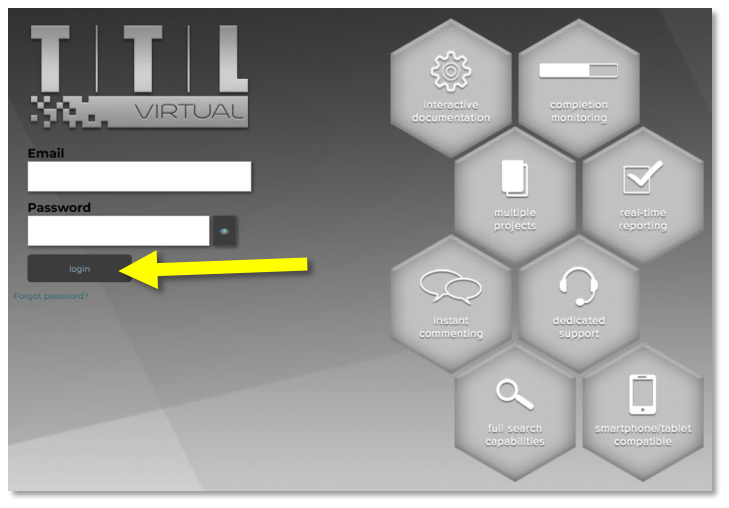
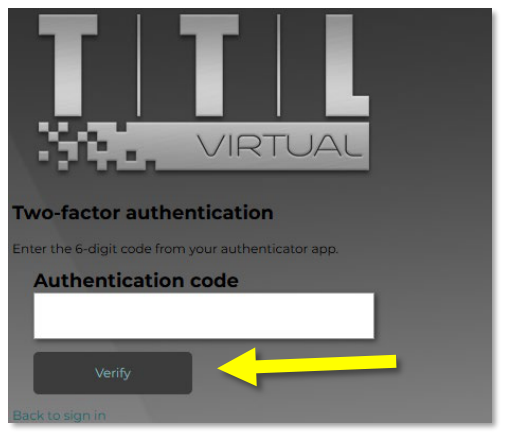
Enter your username and password, then click the “Login” button. Enter the code from your Authenticator app and click the ‘Verify’ button.
 Open image at full size ↗
 Open image at full size ↗