
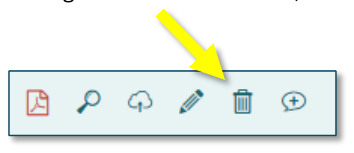
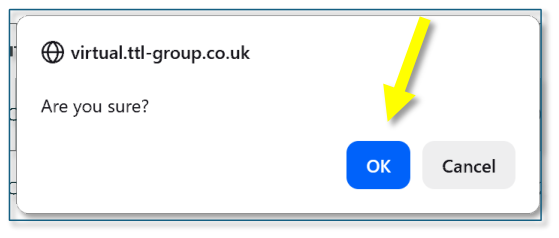
If you have “commenter” or “uploader” access, you can delete your comment or placeholder/files by clicking on the trash can icon, then “OK”.
 Open image at full size ↗
 Open image at full size ↗
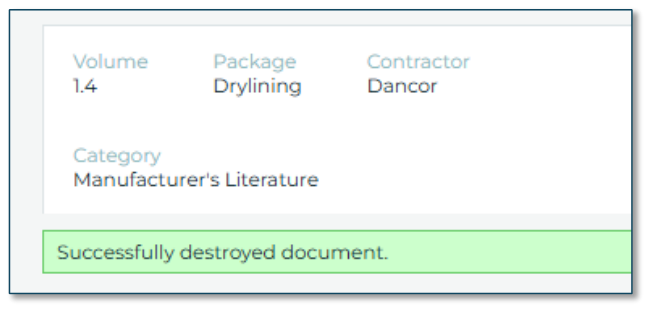
The document will be deleted.
 Open image at full size ↗
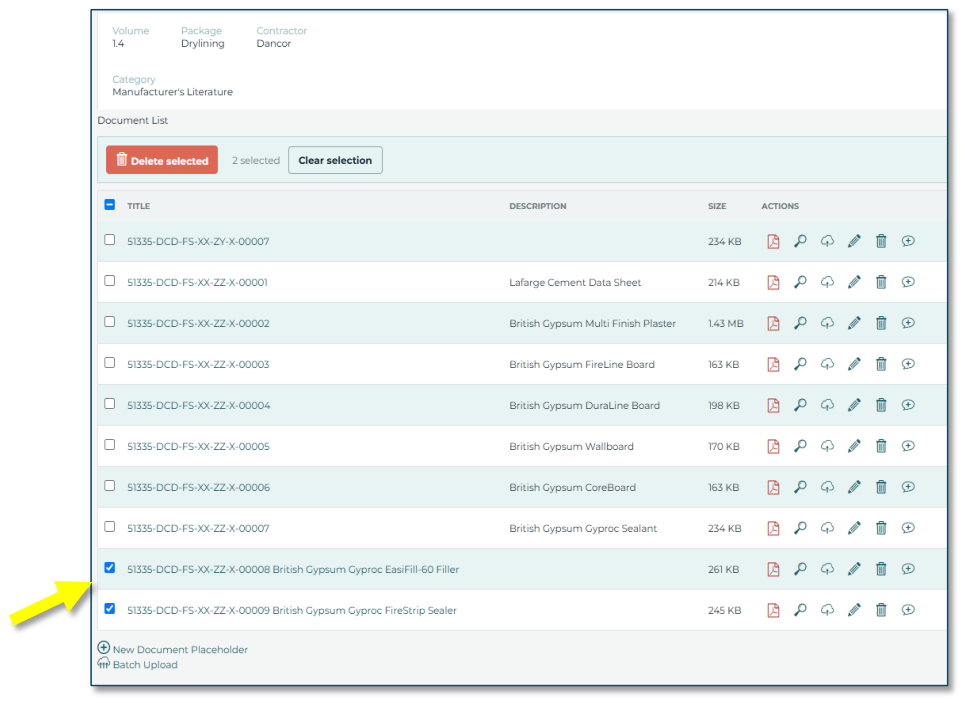
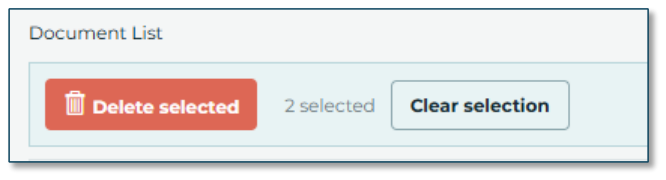
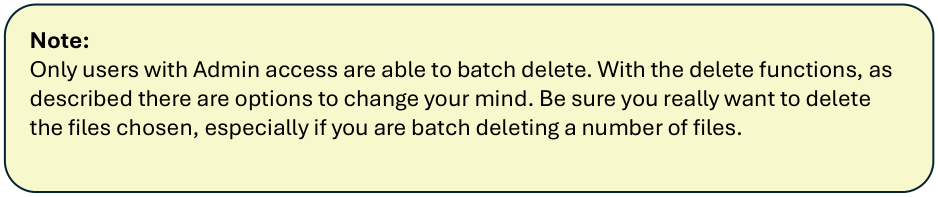
If you have “admin” access, you can batch-delete multiple files. Select the files you wish to delete by checking the boxes.
 Open image at full size ↗
You can choose to “delete selected” files or change your mind and “Clear selection” by clicking the relevant buttons or unchecking one or more boxes.
 Open image at full size ↗
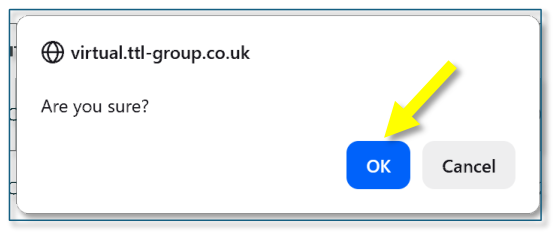
If you choose to delete, confirm OK.
 Open image at full size ↗
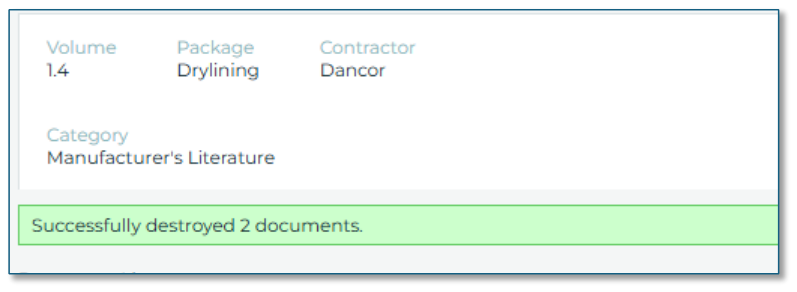
The files will be deleted.
 Open image at full size ↗
 Open image at full size ↗