
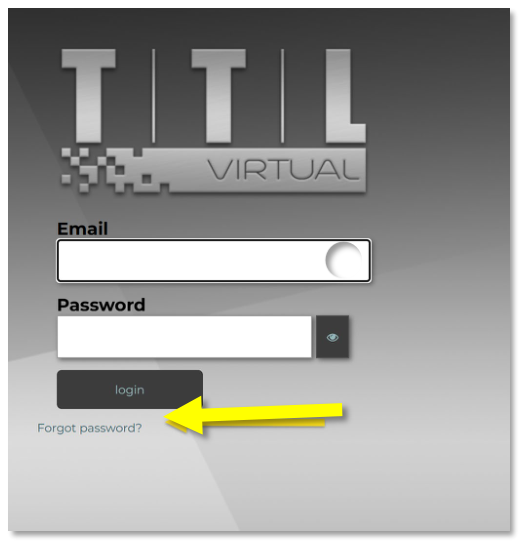
If you forget your password, click on the ‘Forgot password?’ link on the login page.
 Open image at full size ↗
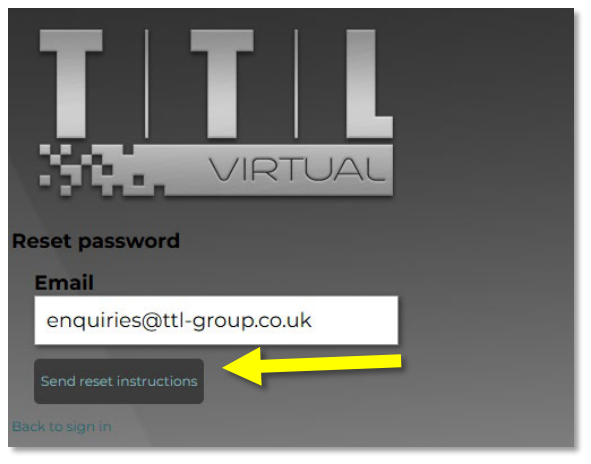
Enter your email address and click the ‘Send reset instructions’ button.
 Open image at full size ↗
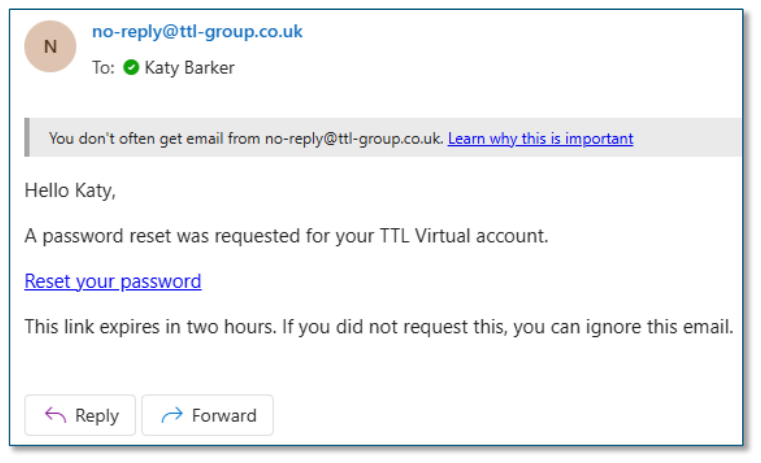
You will receive a password reset email from ‘no-reply@ttl-group.co.uk’
Note: Check your junk folder if it doesn’t appear in your inbox.
 Open image at full size ↗
Use the link in the email to reset your password.
 Open image at full size ↗
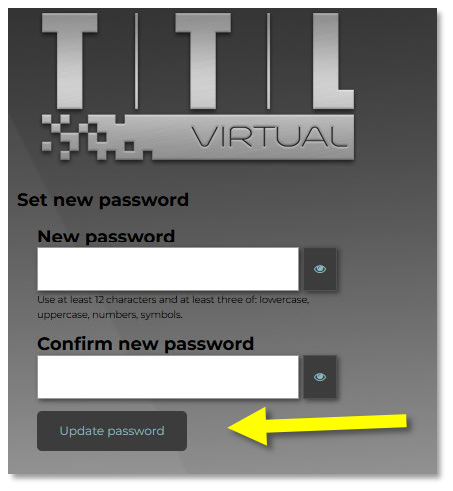
Enter your new password and repeat it in the ‘Confirm new password’ box
Then click on the ‘Update password’ button
Note: Remember the password complexity requirements